Note: this is a test post published to preview the VectorRefine blog design. It will be removed soon.
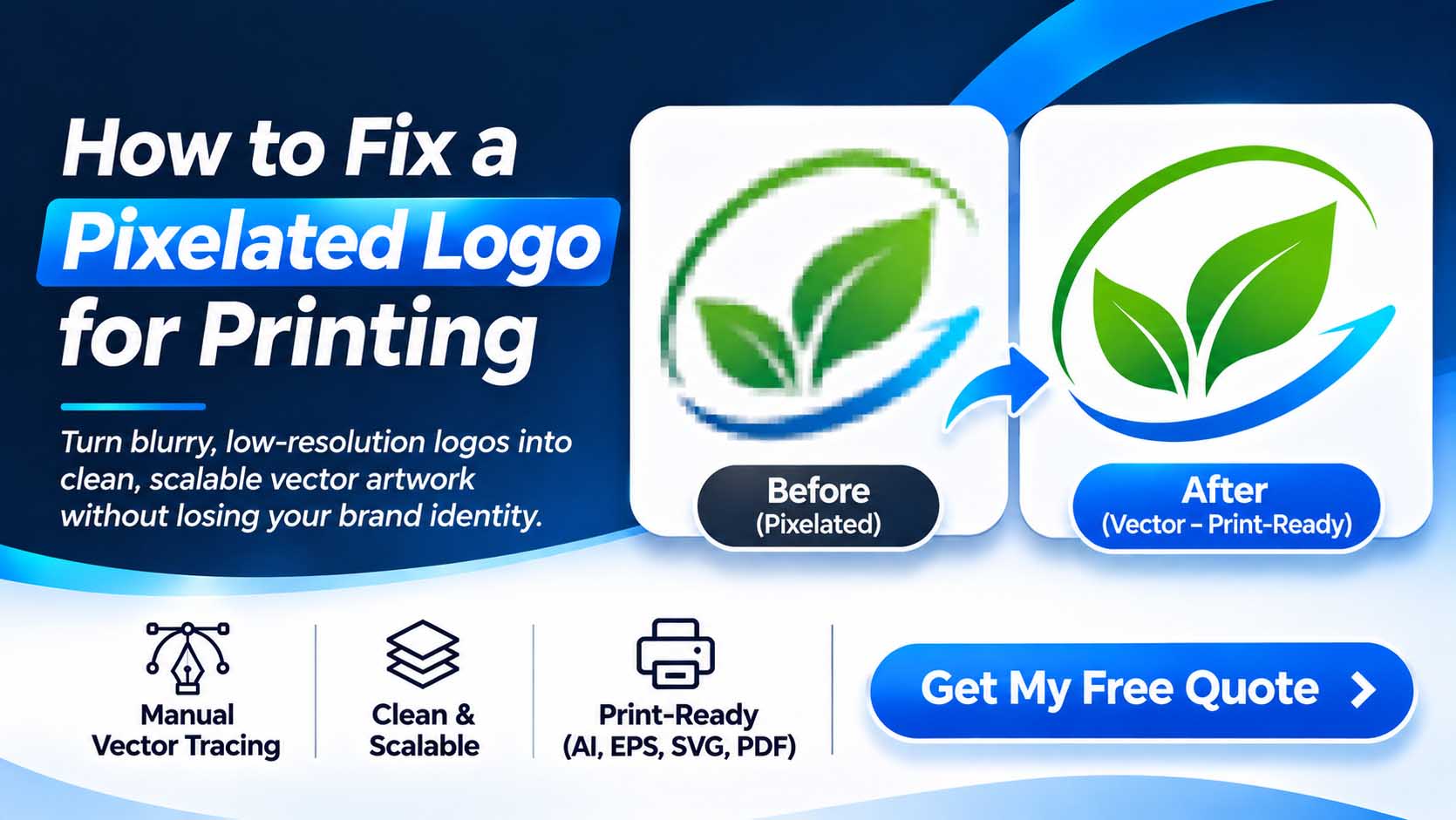
You send a logo to a printer and it comes back soft, jagged or pixelated. The cause is almost always the same: the file is a raster image when it needed to be a vector. Here is the difference, and why it matters for your brand.
What is a raster image?
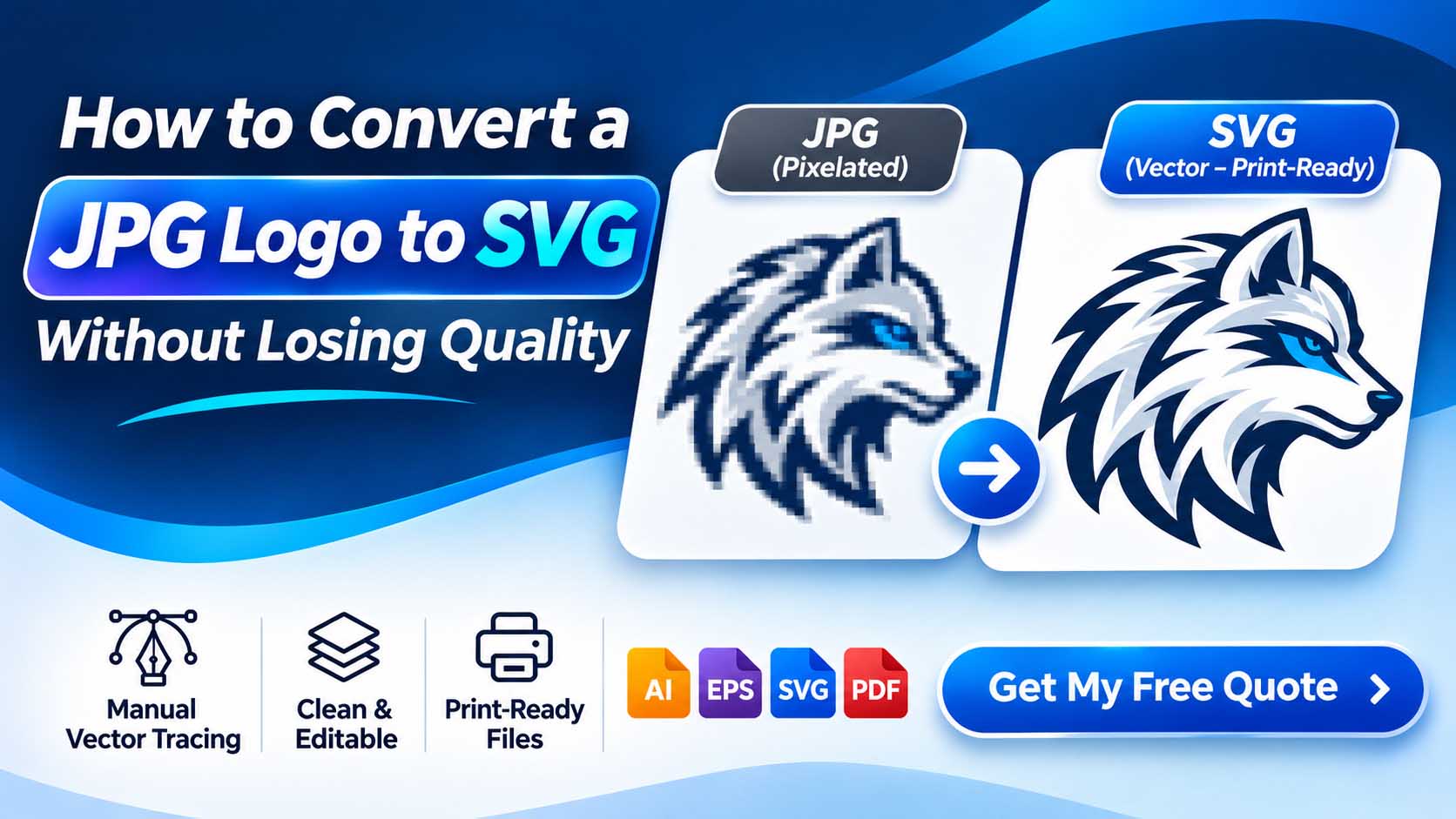
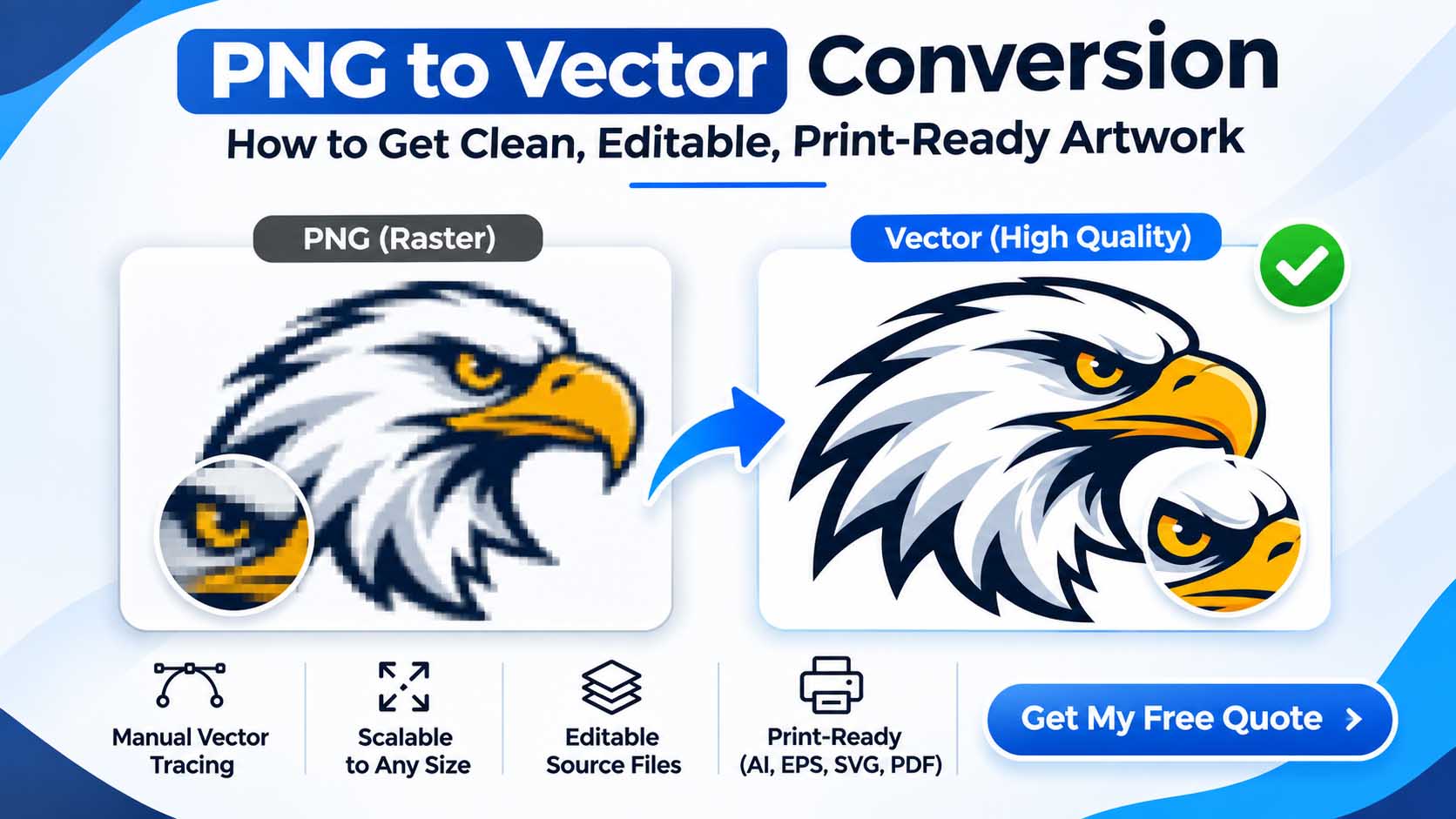
Raster files (JPG, PNG, GIF, WEBP) are grids of tiny coloured squares called pixels. They look great at their original size, but they have a fixed resolution. Enlarge one and the software has to guess at missing detail, which produces blurry edges and visible stair-stepping.
What is a vector file?
Vector files (SVG, AI, EPS, PDF) describe artwork with mathematical paths, curves and fills instead of pixels. Because the shapes are calculated rather than stored, they stay perfectly sharp at any size, from a favicon to a billboard.
A simple way to remember it
Raster is a photograph of your logo. Vector is the blueprint for it. A blueprint can be rebuilt at any scale; a photograph cannot.
When you need vector artwork
- Print and signage: business cards, banners, vehicle wraps and large-format prints.
- Apparel and merchandise: screen printing, vinyl cutting and heat transfers.
- Embroidery: digitizers need clean shapes and a limited colour count to work from.
- Brand consistency: one master file keeps colours and proportions identical everywhere.
If a design will ever be printed, embroidered, cut or enlarged, start with vector.
How to convert a raster logo to vector
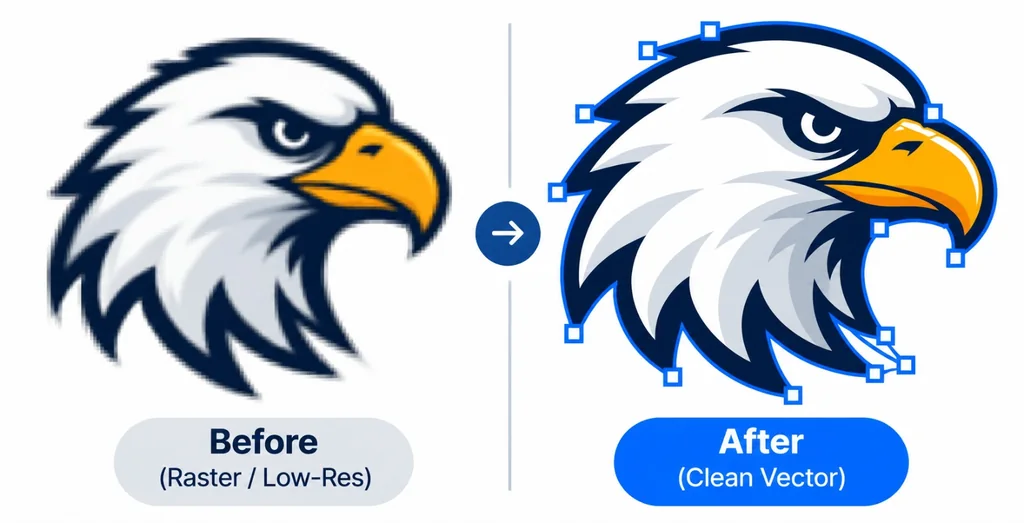
Auto-trace tools are fast, but they often leave lumpy curves, extra anchor points and merged colours. A manual redraw rebuilds every shape by hand, giving you clean paths, accurate colours and a file that is genuinely production-ready.
What to send us
Send the best version of your logo you have: a screenshot, a photo, a sketch or an old low-resolution file all work. We will review it and return a clean, scalable vector in the formats you need.
The bottom line
Keep a vector master of your logo and export raster copies from it when you need them for the web. It saves money, avoids reprint headaches and keeps your brand looking sharp everywhere.